

Collaborative Post
Beaches have this effortless beauty. The golden sunlight, crashing waves, and wide-open skies—they’re perfect. But capturing that magic on camera? It’s not always as easy as it looks. The sunlight is too harsh. Your colors come out pale. And your subject? Either too dark or way too bright. It’s frustrating, especially when you’re there to create content.
The good news? It doesn’t have to be like that. With a few easy tweaks and the right tools, you can walk away with photos that feel just as vibrant and real as the moment did. Curious? Then read on! This blog is here to share six simple, real-world beach photography tips every travel blogger should know.
Let’s get started!
Shoot During Golden Hour
If there’s one beach photography tip that always pays off, it’s this: shoot during golden hour. That’s the soft light right after sunrise or just before sunset. It wraps your subject in a warm glow and takes care of most lighting issues for you.
The shadows aren’t as sharp. Colors look richer. And if you’re photographing people, this is when their skin tones look the best, and there’s a lot less squinting. Plus, beaches are usually less crowded early in the morning, so you can shoot without dodging photobombers.
Use a Neutral Density (ND) Filter
Shooting at the beach in the middle of the day isn’t ideal, but sometimes that’s your only window. And if you’ve ever tried to get a slow shutter shot in bright sun, you know it’s nearly impossible without blowing everything out.
That’s where ND filters come in. They reduce the light coming through your lens, so you can shoot with a wider aperture or use a slower shutter speed—even at noon. If you want to capture smooth wave motion or keep your background creamy and soft, this filter is your best bet. The cherry on top? They’re lightweight, easy to pack, and easily available online at reasonable prices.

Get a Circular Polarizer to Cut Reflections
The beach light bounces everywhere. Water, sand, even the sky—it all reflects back into your lens. That’s what gives your ocean shots that weird, shiny haze or turns the sea into a silver blob. A circular polarizer helps fix that in seconds.
It filters out reflections, deepens the blues in your sky, and makes clouds pop just a little more. You’ll also get better detail in the water—no more dull gray blobs where waves should be. Just twist it until you see the glare disappear. It works like magic, especially on bright days near the sea.
Embrace Motion for Creative Shots
A beach photo doesn’t always have to be still. In fact, adding motion can make it way more interesting. Think waves rolling in, wind in your subject’s hair, or someone walking past the shore.
To capture that, slow your shutter speed just enough to show blur, but not so much that everything’s a smear. If it’s too bright, an ND filter (again) helps you pull this off without overexposing. These shots feel more real, more in the moment. And they give your feed some variety beyond perfectly posed stills.
Focus on Composition with Foreground and Lines
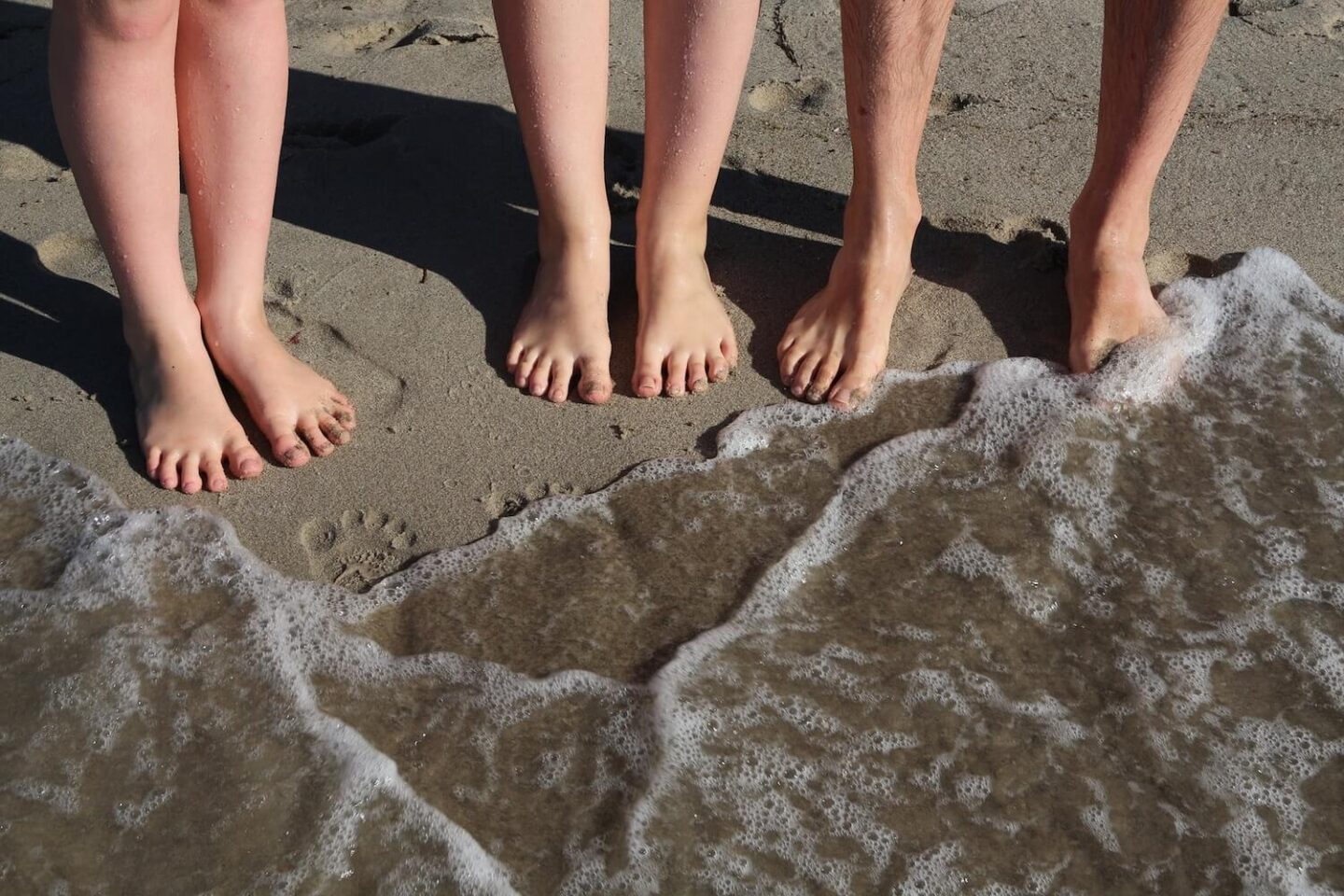
Beaches are wide and open, which can sometimes make your photo look empty. To fix that, add interest in the foreground. You can use driftwood, rocks, towels, or even footsteps in the sand. These details help lead the viewer’s eye into the scene.
Also, look for natural lines—like the edge of the water, a boardwalk, or shadows on the sand. They guide the frame and make your shot feel more planned, even if it’s spontaneous. Don’t forget the horizon line. Keep it straight and avoid placing it right in the center unless you’re going for a specific look.
Go Easy on the Editing
Editing beach photos is tempting—you want to crank up the blues and make the sand look glowing. But it’s easy to go too far. Oversaturation can make photos feel fake, especially with water and skin tones. Instead, focus on contrast, shadows, and highlights.
Instead, keep it simple. Adjust highlights and shadows first. Tweak the warmth if needed. And try to keep skin tones natural, especially in portraits. There are many editing apps available for this, and you can do everything right from your phone. The goal is to make your photo feel like the moment, not like a cartoon version of it.
That’s a Wrap!
Better beach photos don’t come from luck—they come from a few smart choices. With the right timing, a couple of handy tools, and a good eye for light, your next shoot can look just as good as it felt. Pack smart, shoot slow, and keep creating.