

AD | PR Product, Affiliate Links
I’ve made no secret of that fact we are big Yoto player fans. Having used the Yoto Mini for travelling and life on the go, and the 2nd generation Yoto at home for quite a while now we had our lists of things we loved about Yoto, but also made the occasional comment of “it would be so much easier if the Yoto would…..”.
With the announcement of the release of the Yoto 3rd Generation and indications that there are some of our much desired features being added I couldn’t wait to get my hands on it. Keep reading to find out what is knew and see the full Yoto Player 3rd Generation review!
Table of Contents
What Is A Yoto Player?
A Yoto is a screen free audio player for kids (and beyond!). It can play music, stories, podcasts, radio and educational content all from the one device, which no way for the kids to sneak onto the internet and come across things that they shouldn’t.
Yoto has many uses both at home and on the go. Ours is used at the dinner table, for dance parties and (most crucially in our case) as an active and valuable part of the bedtime routine.
To find out more about the benefits Yoto players check out this Yoto Mini Review to see what we think of it
An Honest Yoto Player Review
It’s no surprise that we love the new Yoto. It has all the good parts of the old Yoto and new and improved parts too. Below is my review of the Yoto 3rd Generation player.
What Is In The Yoto Player 3rd Generation Box?
I really liked the look of the Yoto box, it was cute and there was minimal plastic packaging. The box was easy to open – important when you have kids hanging around who know exactly what it is you have and are desperate to see what it’s like.

Included with every new Yoto is:
- Make Your Own Yoto card
- Safety instructions
- USB-C Charging cable
While that may seem very minimal it really is everything you need to get started with the Yoto.
What Does The New Yoto Look Like?
Yoto have a very distinctive design, with the 2 orange buttons being a familiar feature. In terms of size, the 3rd generation model is almost identical to the last model. It has the same basic shape and weighs around the same.
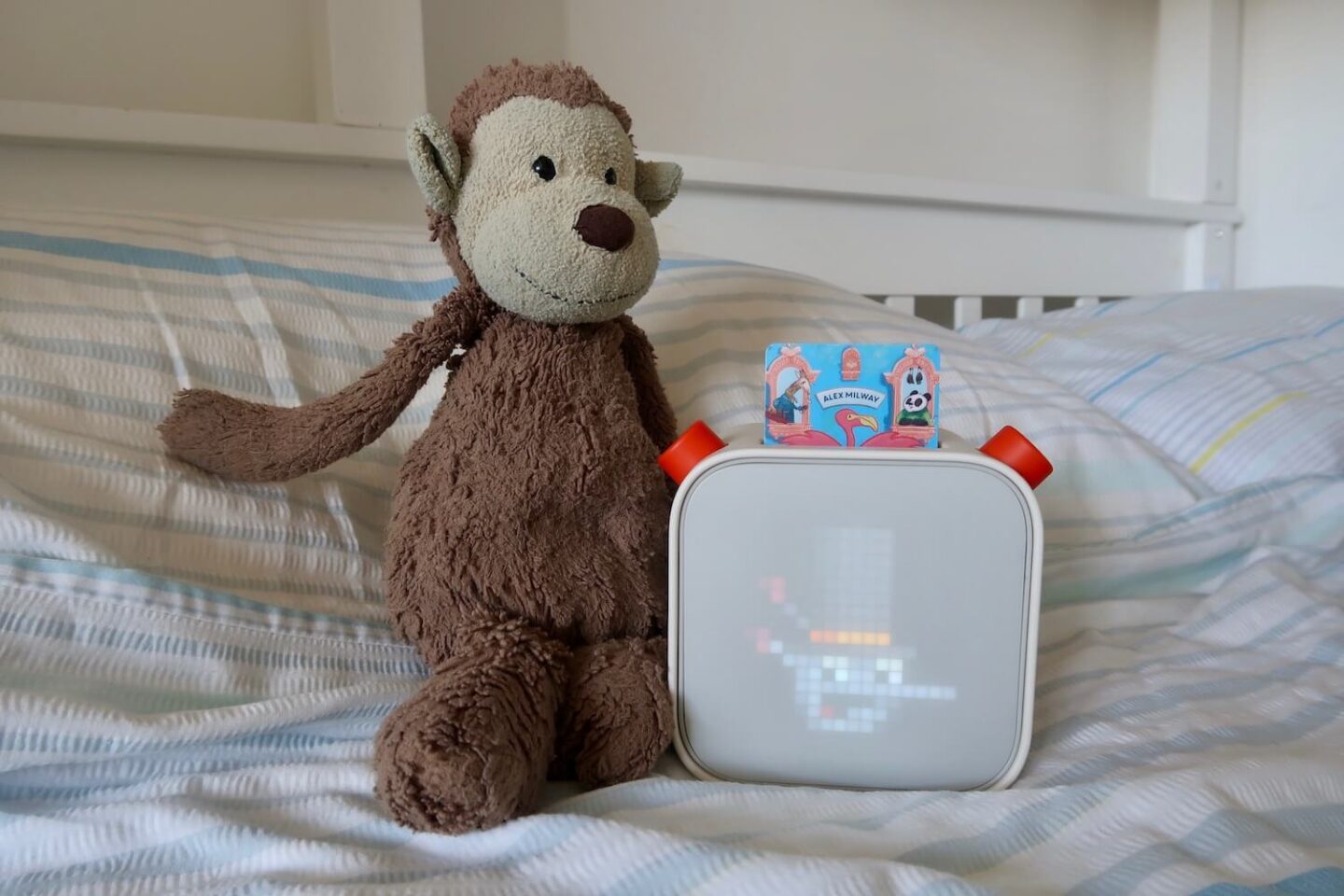
There are a few features that differ slightly. The 3rd generation Yoto has a slightly recessed screen. This is to protect it when you put it face down for the nightlight. The power button has been relocated so it is now midway up the Yoto – making it more easily accessible. And finally a USB-C connection has been added for charging and the old magnetic charging port removed.
Important Yoto Features
As far as the basics go you can just drop in a Yoto card and start listening, but Yoto has so much more than that available.
All the features are accessed from the app, aside from volume and skip very little can be done from the Yoto itself. This is a large part in what makes it so great for kids of all ages. Some of our favourite features of the 3rd Generation Yoto are:
- Nightlight
- OK to wake clock (a sun tells children it’s morning and they can get up)
- Timers
- Alarm Ccock
- Wireless headphone compatibility
- Room Thermometer
Charging The Yoto 3rd Generation Player
One major difference on the Yoto 3rd generation is the way it is charged. There is now a USB-C charging point and it can be plugged in and charged that way, as opposed to the previous docking station.
I have to admit I don’t love this change. I really liked the docking station, although I am aware that some people have had issues with it, it worked well for us. The children were able to take it on and off the charger easily and it was always on throughout the night.
Yoto have announced a separate wireless docking station will be available to purchase soon, which would give it the same functionality as the generation 2.
In the meantime, you can make your Yoto stay on all night without turning off by changing the settings in the app. Turning off the battery saver and the auto power-off will keep your Yoto shining through the night – assuming it has enough battery.
Yoto 3rd Generation Accessories
Due to the slight changes in button layout the old adventure jackets do not fit now, but Yoto have released some new Yoto 3rd Generation Adventure Jacket in 4 different colours – pink, blue, orange and a mint green.
In our case the big Yoto tends to stay up in the bedroom and doesn’t move around much, so an adventure jacket is not really a requirement. However, a bit of extra safety never hurt anyone and it’s a fun way to add a splash of colour to the Yoto. It raises the screen away from the counter when it is turned over in nightlight mode, and provides a carry handle for moving around.
How Much Does The Yoto 3rd Generation Cost?
The Yoto 3rd Generation has an RRP of £99. This is a slight increase on the previous model, but considering the improvements in features I think it is definitely worth it.
Changes In The Yoto Player 3rd Generation
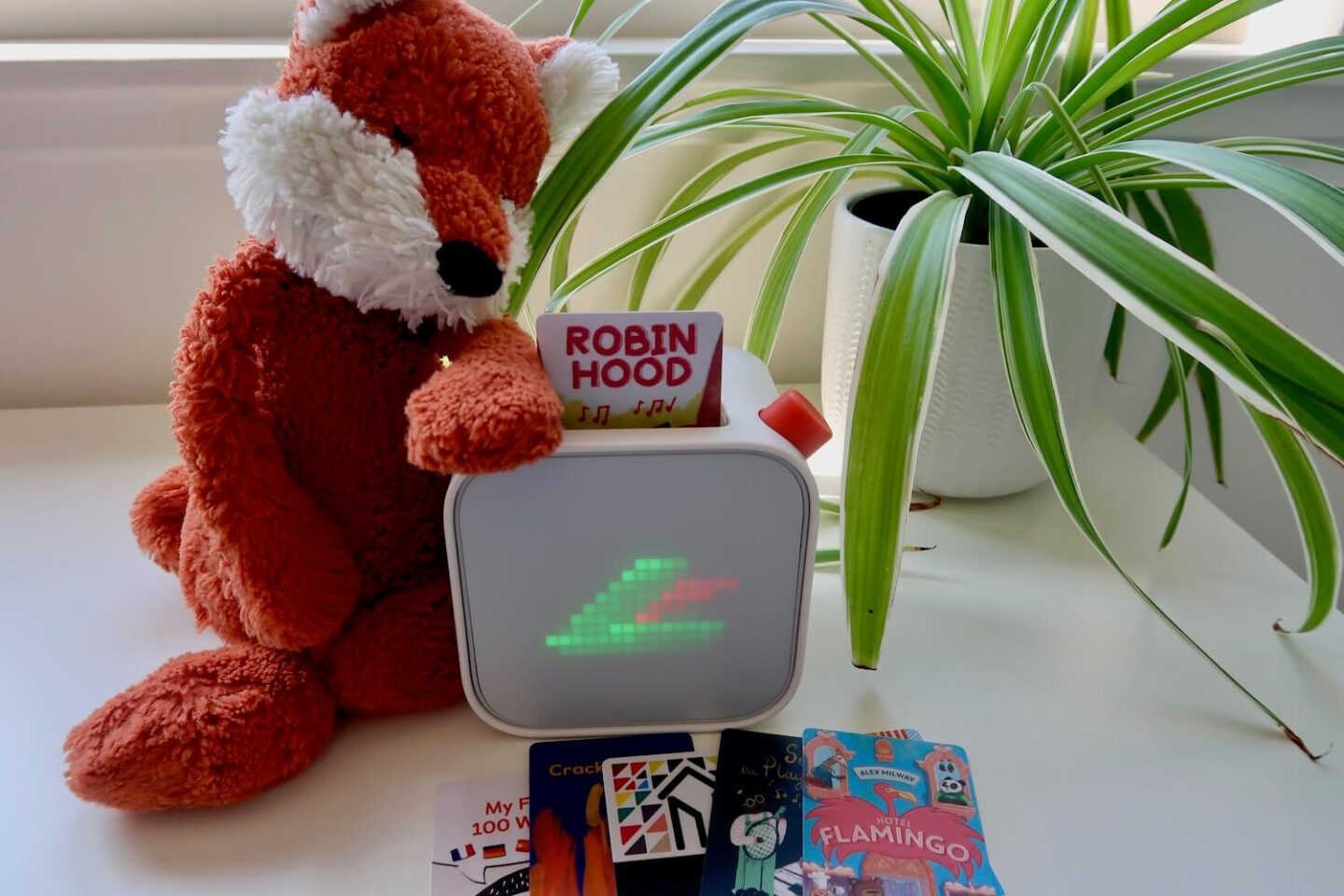
If you’re not new to Yoto then you are most likely curious as to what has actually changed. While some of the new features aren’t visible, like the sound quality and storage capacity, there are definitely a lot of new Yoto changes that are really useful.

Has The Screen Changed?
The most obvious physical change is with the screen. The Yoto 3rd Generation screen is slightly recessed, making it more hard wearing if you have kids that are on the rough side.

The pixel display has had some improvements too. It now shows sharper pixels for a more defined image.
Can You Still Use The Same Yoto Cards?
Yoto cards are compatible across the whole range of Yoto players. The same cards can be taken from a 2nd generation player, over to a 3rd and then on to a Yoto Mini all while working perfectly.
If you decide to upgrade to a 3rd generation Yoto player then you simply link it to your Yoto account and you will have access to your full Yoto card library.
More Yoto Storage For A Big Card Library
Yoto listened to the users and have increased the storage capacity on the new Yoto. There is now 32GB storage – double the previous 16GB – to allow more cards to be downloaded at once. This is a huge win for those with a large card library.
How Long Does The Yoto 3rd Generation Battery Last?
The battery life is significantly better on the generation 3, lasting up to 24 hours. That is almost 3 times the charge of the previous player, and up to 4 hours more than the Yoto mini.
How Do You Use The Yoto Room Thermometer?
The Yoto room thermometer is accessed via the Yoto app. I find having an idea of the temperature in the children’s rooms really helpful for gauging which bedding they should use.
The temperature can be viewed in both Celcius and Farenheit and is a really nice addition to the Yoto. My only wish going forward was that it was more accessible to view. It is worth noting that you cannot see the temperature from the Yoto itself, only from within the individual Yoto settings on app.
Is There A Difference In Sound Quality?
The change in sound quality is immediately obvious between the Yoto’s, especially at higher volumes. My kids like to blast music at top volume and the gen 3 Yoto has a much better sound quality.
The new Yoto has acoustically engineered studio sound which, although I hadn’t noticed an issue previously, does give a much nicer sound.
Which Headphones Can You Use With The Yoto?
The Yoto 3rd generation is compatible with both wired or wireless headphones. Personally, we prefer to use the Yoto branded headphones, but they can be paired with any headphones.
Yoto have recently released a set of wireless headphones which will be great for those who prefer wireless options.

Is There Any Change To The Yoto Mini?
At this point in time there has been no communication about any changes to the Yoto Mini. That’s not to say there wont be a new version in the future, but the focus at this point is on the new Yoto player.
Will My Old Yoto Still Work?
Yes! All of the old Yoto players will still work, and Yoto have confirmed they will continue to support them for the foreseeable future. The 2nd generation Yoto player is still a great product and we will be continuing to use ours as well as the 3rd generation in different rooms.
Which Yoto Cards Should You Start With?
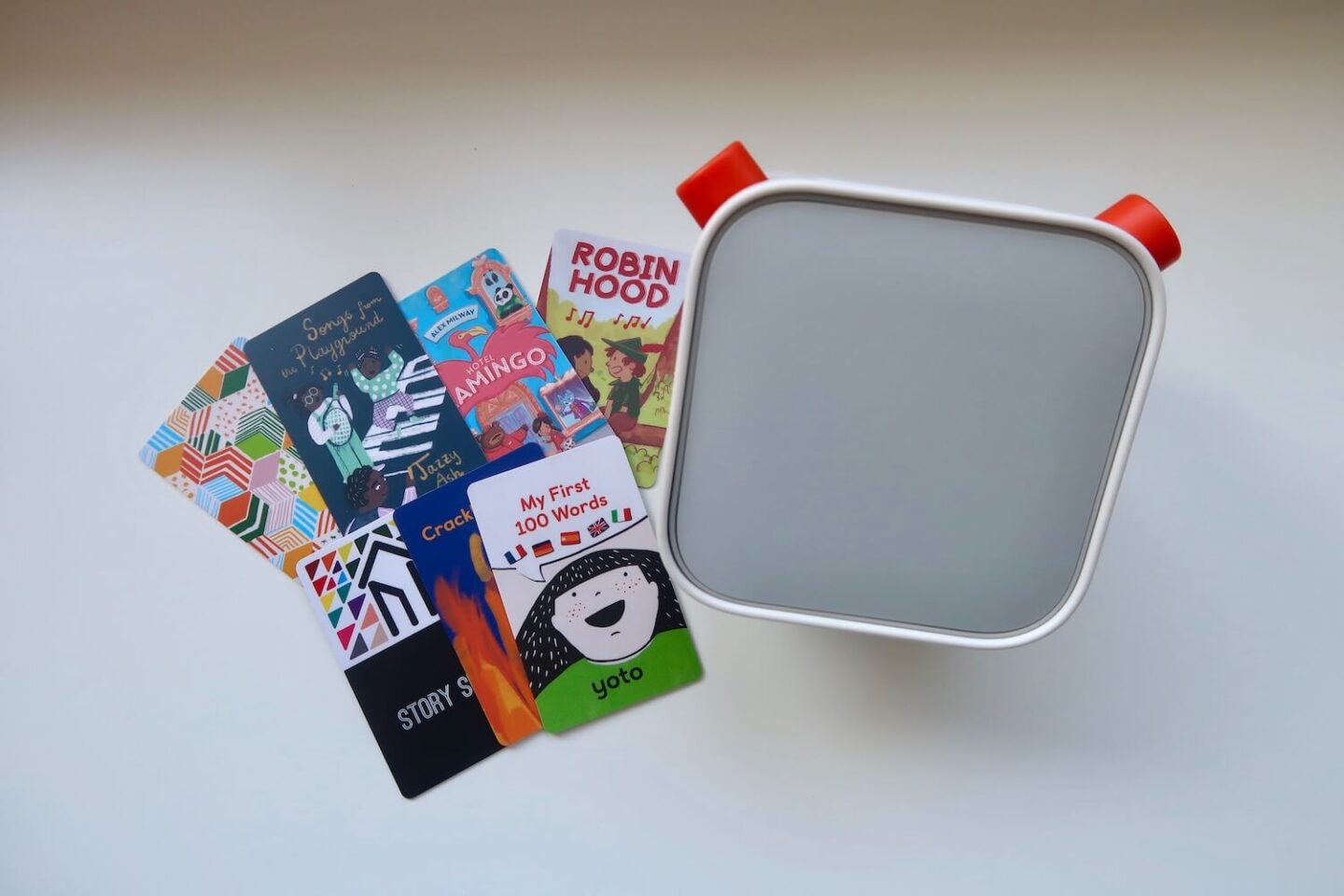
If this is your first Yoto then the array of cards to choose from can be a bit daunting. The Yoto Starter Pack is naturally a good place to start, especially if you have younger kids.
The Yoto Card Starter Pack has 6 cards included:
- My First 100 Words
- Crackling Fire
- Story Shed Podcast
- Robin Hood: A Musical Adventure
- Hotel Flamingo
- Songs from the Playground
- Make Your Own
Our current favourites from the set are Hotel Flamingo and Robin Hood. If you want more tips on which Yoto cards to buy first then check my guide to Yoto cards for all ages.
Looking For More Information On Yoto?


